Signing up for a new account
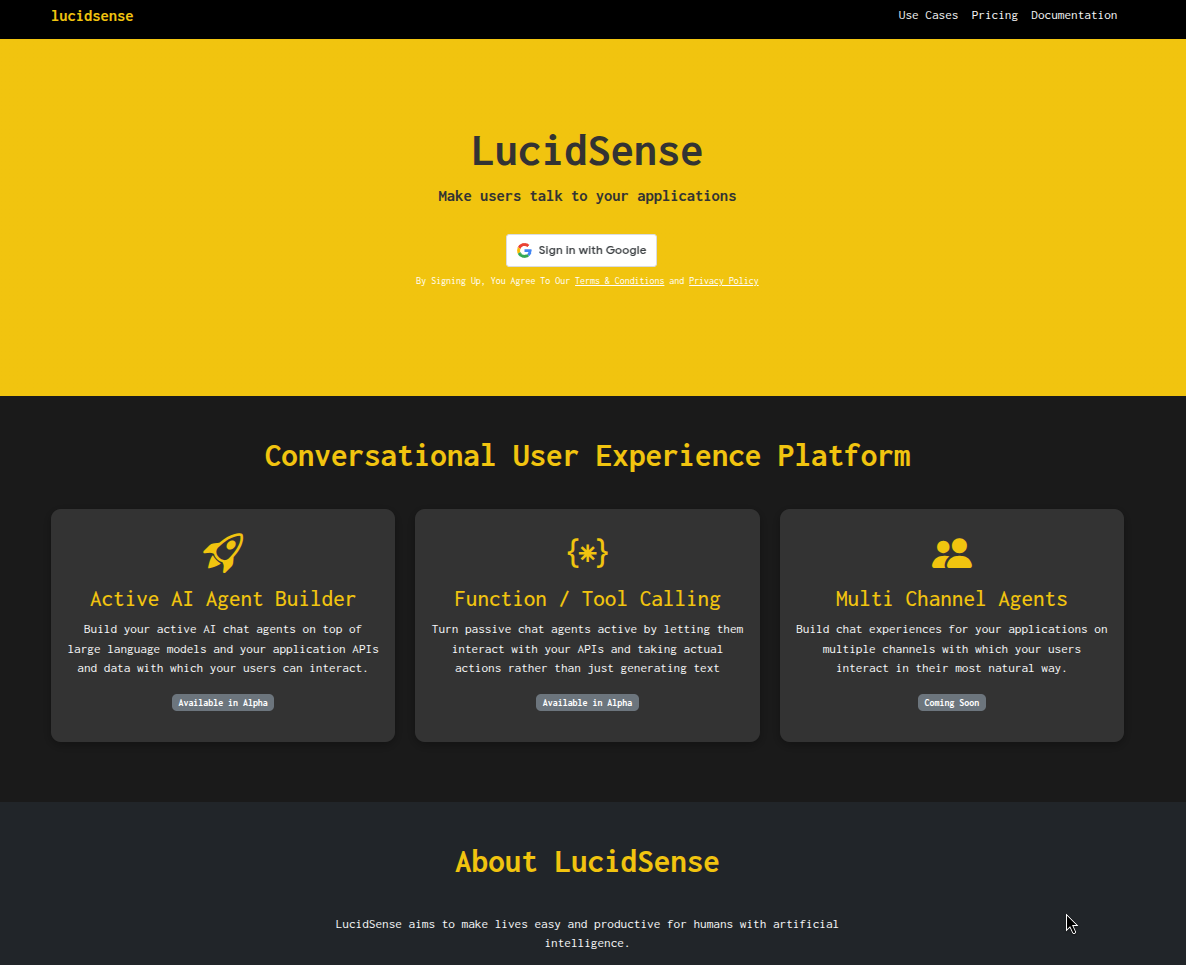
- There are plenty of places where we have tried to click-bait you in order to sign up (pricing, landing, use case pages). Click on any of the sign in buttons to sign up.
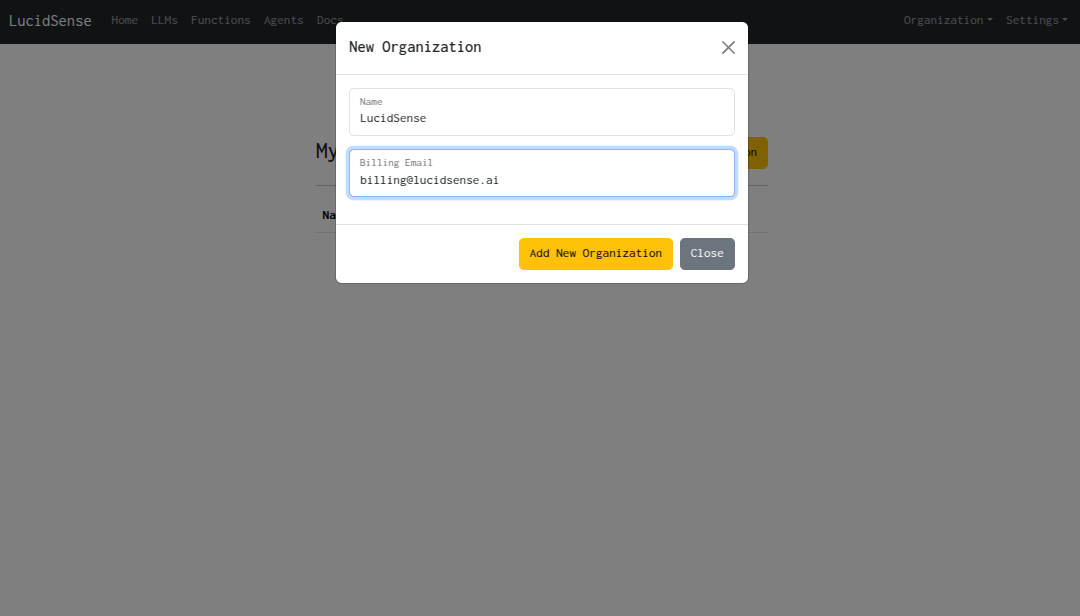
- Once you sign up - you can create a new organization by clicking on ‘New Organization’ button
Click on the ‘Select’ button in order to set the organization as the active organization. You can change the active organization any time by going to Organization > Switch from the top navigation menu.