Manage agent access from API key
-
To let an API key access an agent, go to the agent management page by navigating to “Agents” from the top navigation bar and clicking on the “Manage” button against the agent.
-
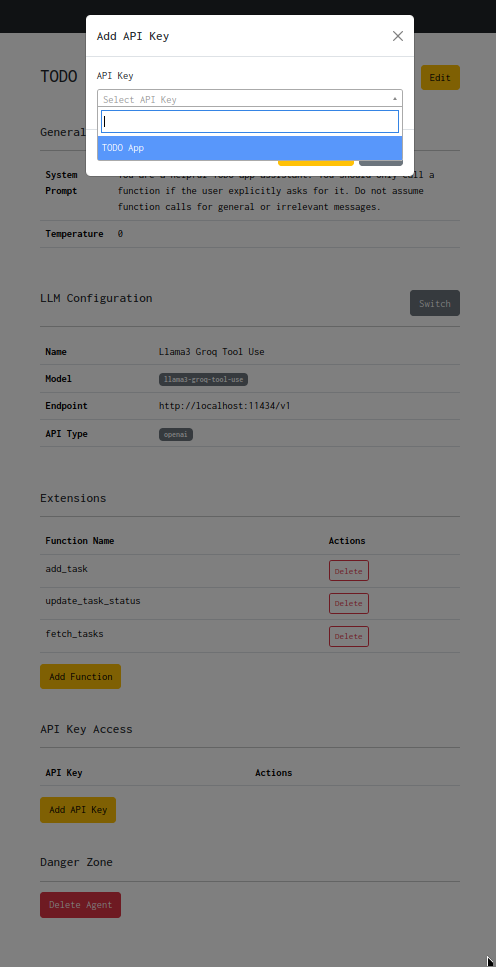
On the agent management page, click on the “Add API Key” button, search and select the API key.
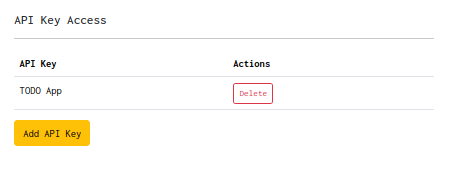
- On successfully adding the API key, you should be able to see it in the API key list on the agent management page.
The API key should now be able to invoke the agent using the Agent Chat API.