Create Javascript Function
- From the top navigation bar, click on “Functions”. Once you land on the functions page click on “Add Function” button.
-
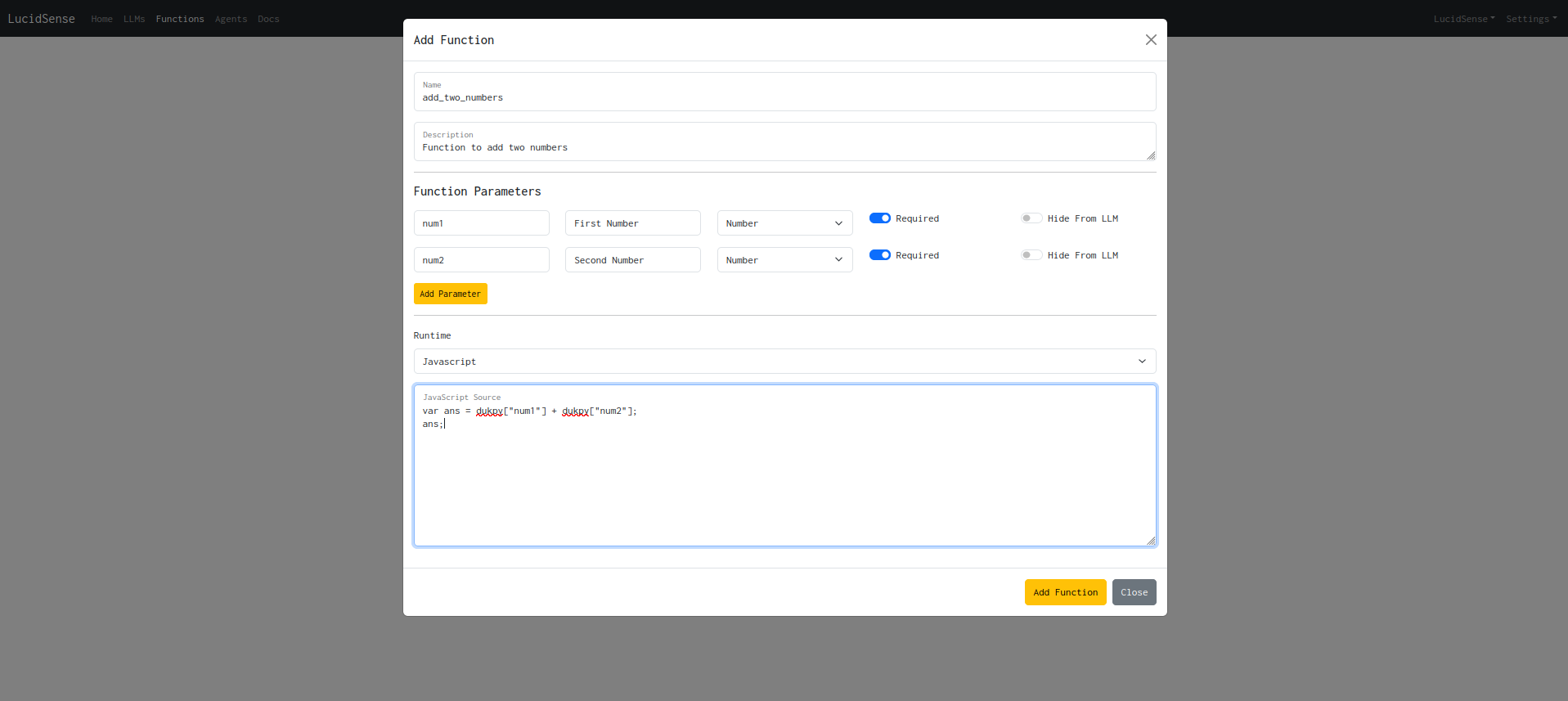
Fill in the details and add the parameters that will go as function input. The
Hide From LLMfield will prevent the field to be exposed to the LLM during agent execution. So typically if you want to pass fields via context directly into the function call, enable it. -
Select the Runtime as “Javascript” from the dropdown and add the Javascript source code in the text area input. Since the javascript code is executed using a framework called dukpy, the input parameters will be available to the function in an object called
dukpy. -
Once your function is created successfully, it should be visible in the functions list.
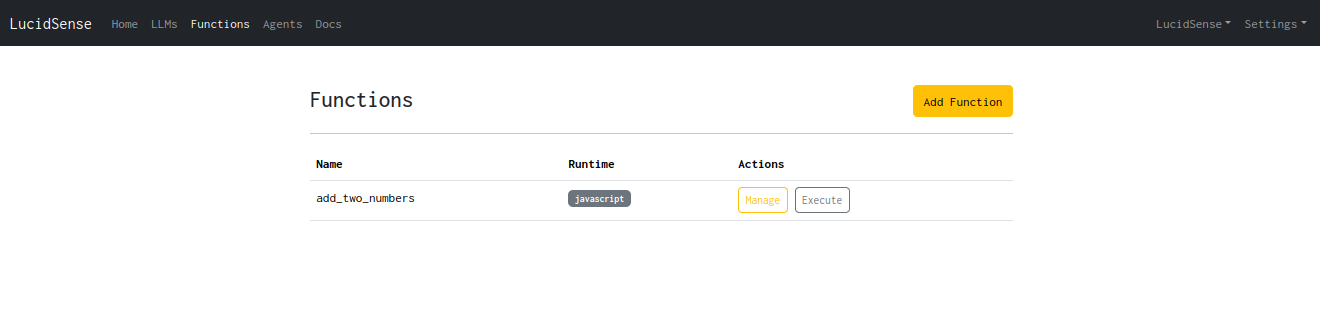
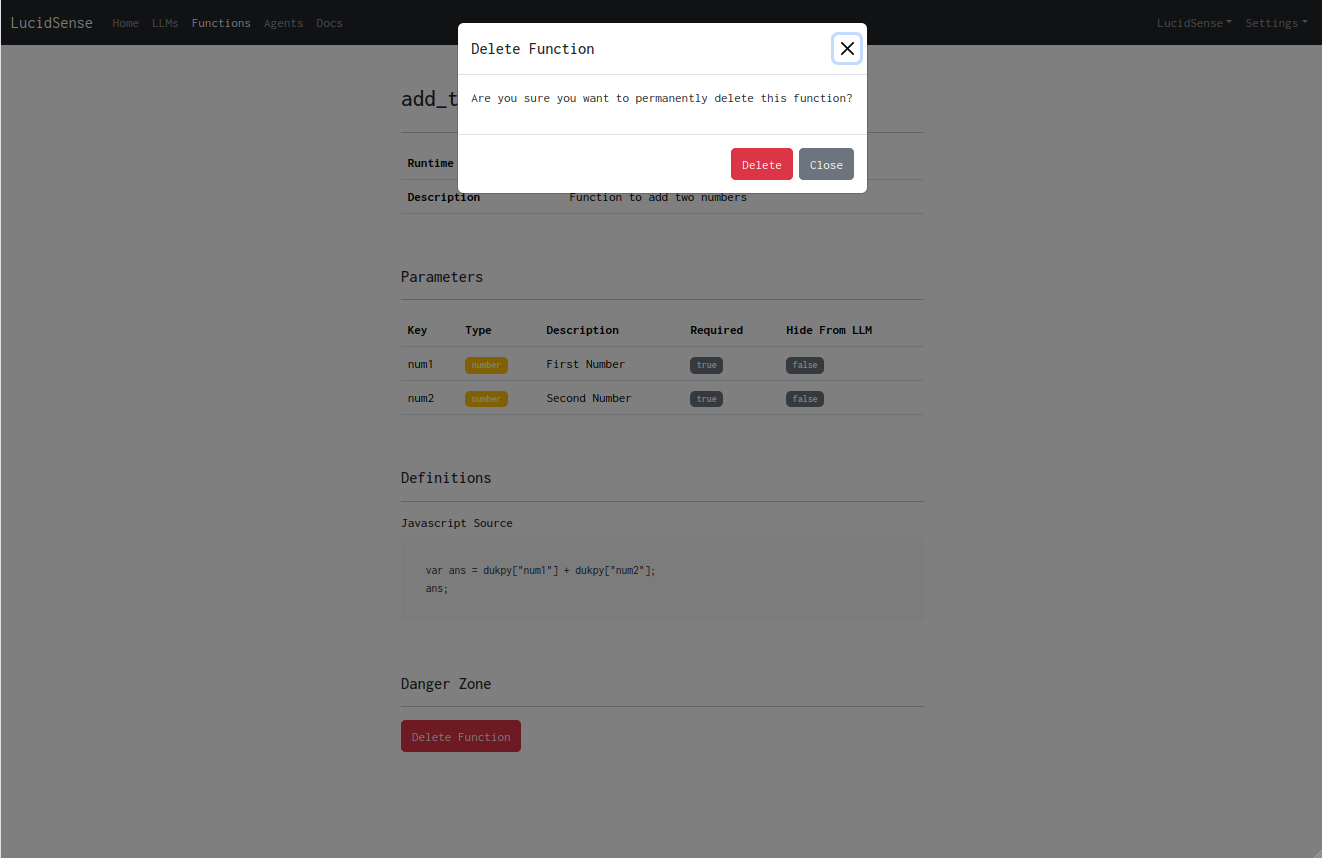
- Click on the “Manage” button next to the function you want to manage. In order to delete the function, click on the “Delete Function” button on the management page.