Adding Functions to Agents
Adding functions to an agent enables an agent to call them as and when the agent detects the need for a function call during the conversation with the user.
-
Navigate to the agents page from the top navigation bar and click “Manage” against the agent for which you need to add functions.
-
Click on the “Add Function” button in the “Extensions” section. Select the function that you want to attach.
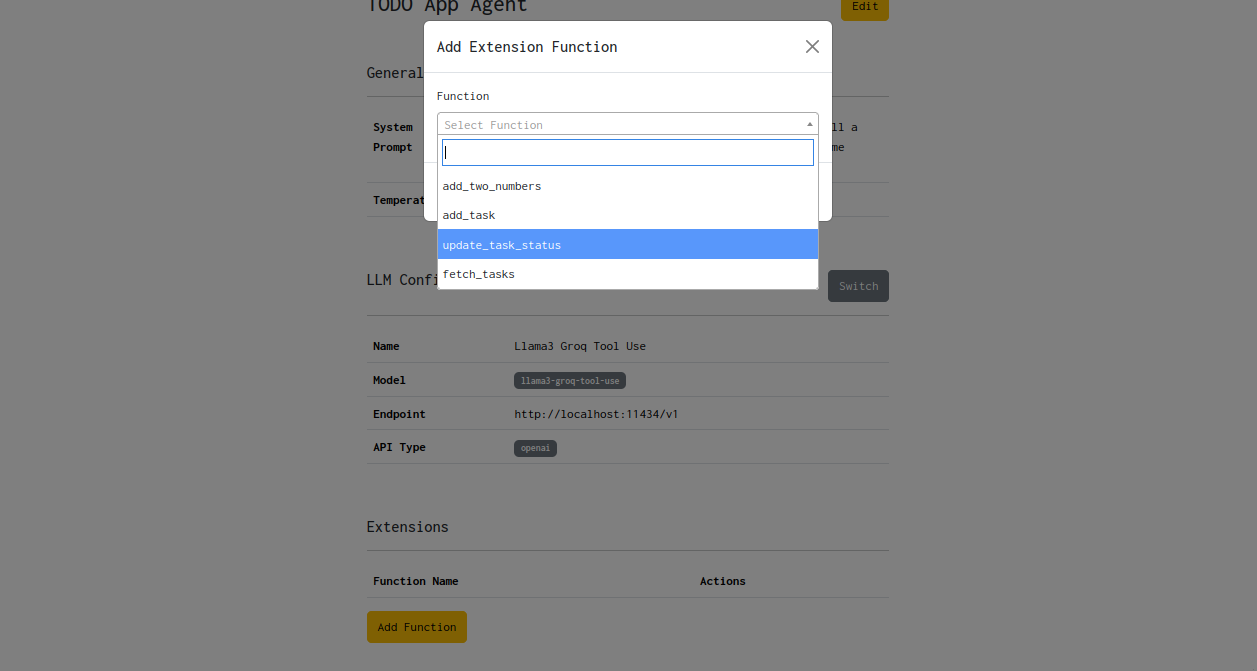
- Once the function is attached successfully, you should be able to see it in the functions list.
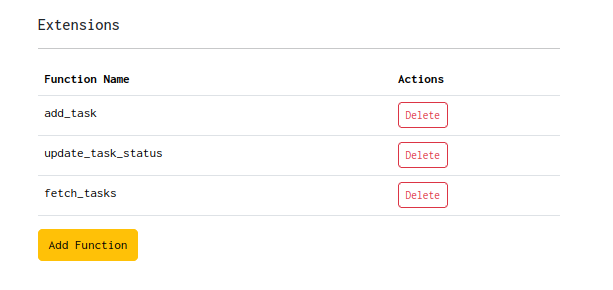
- You can detach a function from the agent by clicking on the “Delete” button against the function.