Skip to main content
Link
Menu
Expand
(external link)
Document
Search
Copy
Copied
LucidSense Documentation
LucidSense Documentation
Getting Started
Signing Up
Managing Users
Organization Settings
LLMs
Adding an LLM
Managing an LLM
Testing an LLM
Functions
Create Javascript Function
Create API Function
Testing Functions
Agents
Create Agent
Manage Agent Settings
Adding Functions To Agents
Testing an Agent
API Access
Create & Manage API Keys
API Key Agent Access
Agent Chat API
Control Panel
Functions
Testing Functions
Testing Functions
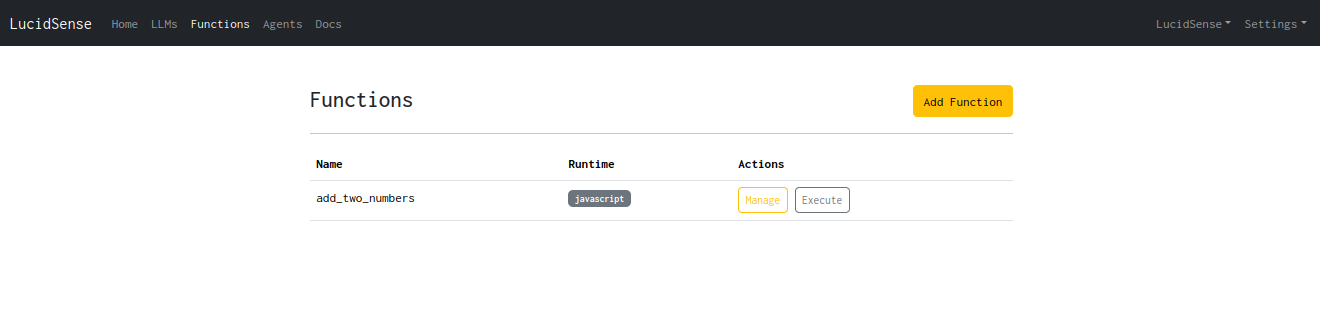
In order to test a function, go to the functions page from the top navigation bar and click on the “Execute” button next to the function that you want to test.
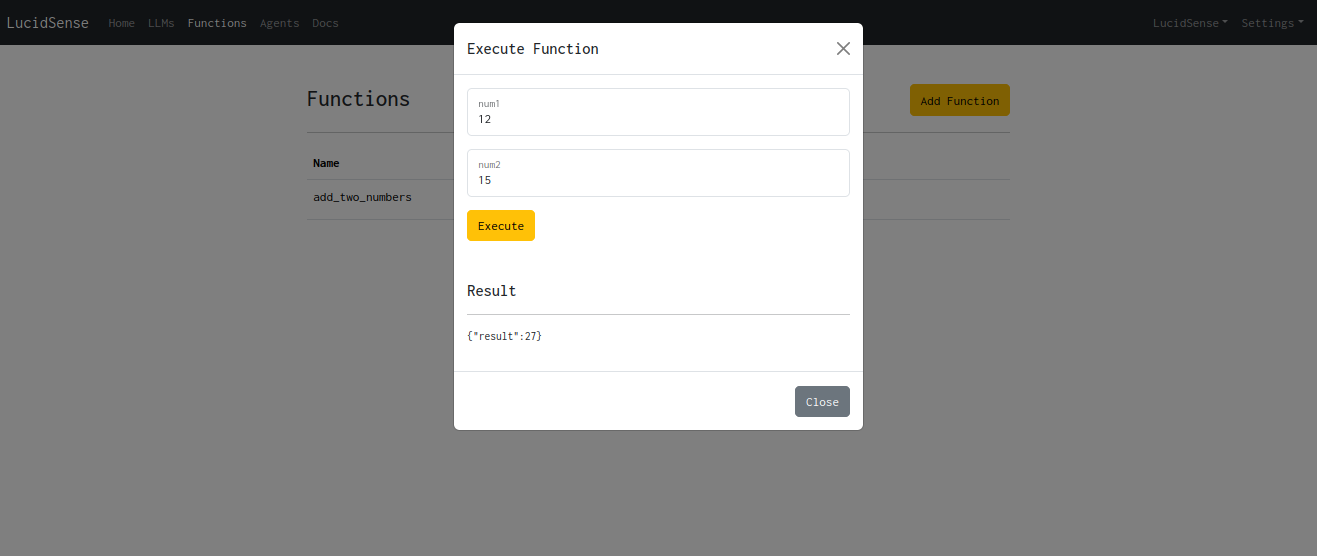
Enter the input parameters for the function and click on “Execute”
The function output must be visible below it.