Managing Agent Settings
- From the agents page, click on the “Manage” button against the agent whose settings you need to modify.
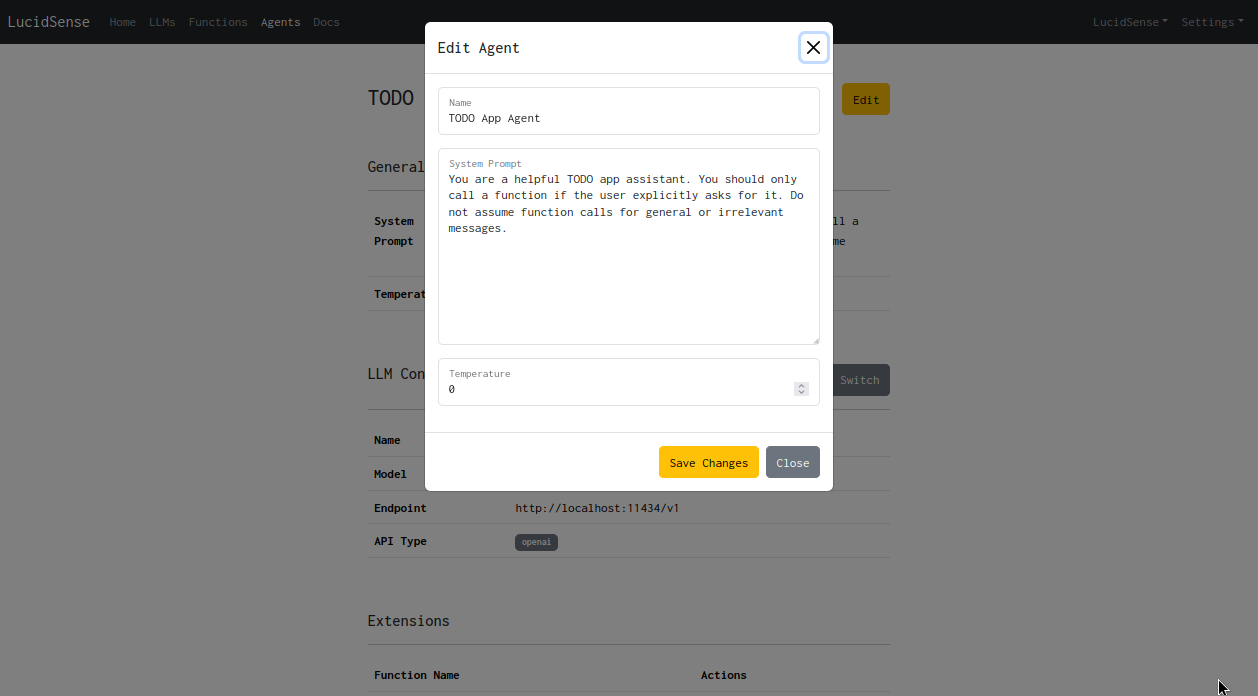
- Click on the “Edit” button on the agent management page. You can modify the settings like the system prompt, LLM and temperature from this page.
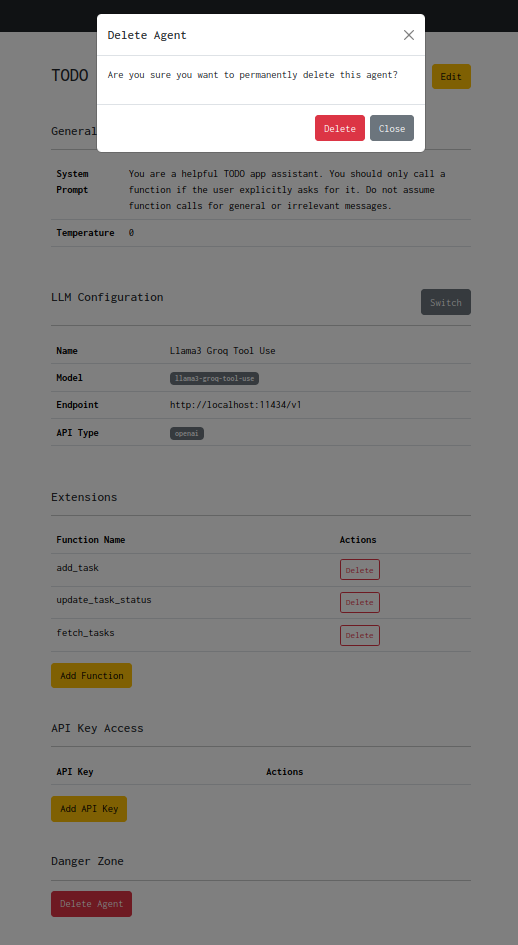
- To delete an agent, click on the “Delete Agent” button on this page.