Creating and managing API Keys
- To create an API key, navigate to Organization > API Keys from the top navigation bar. To add a new API key click on “Add API Key” button.

- Once the API key is created, it will show up in the list.

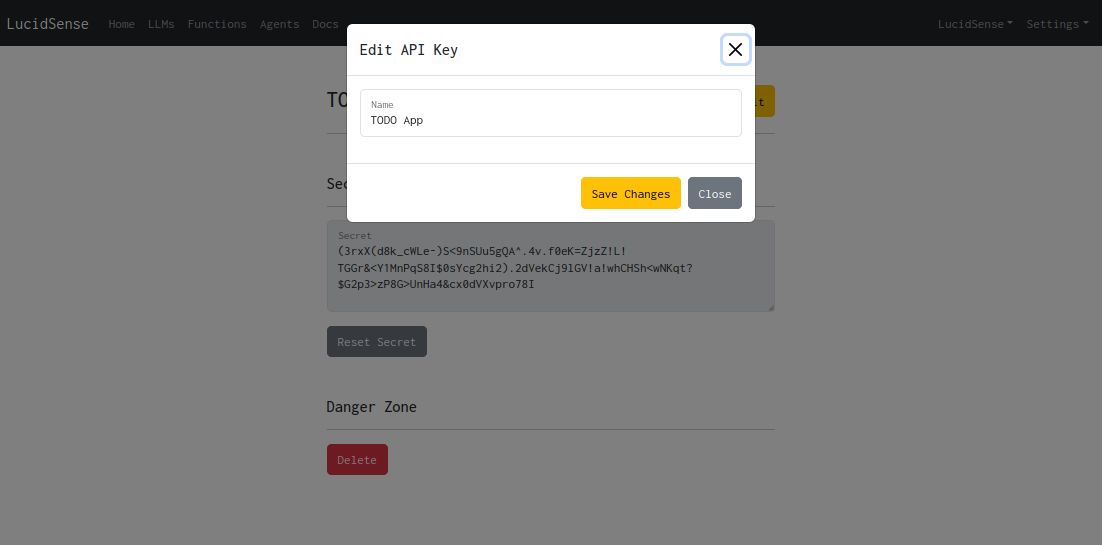
- Click on “Manage” button to access its management page. Click on “Edit” button to change its settings.
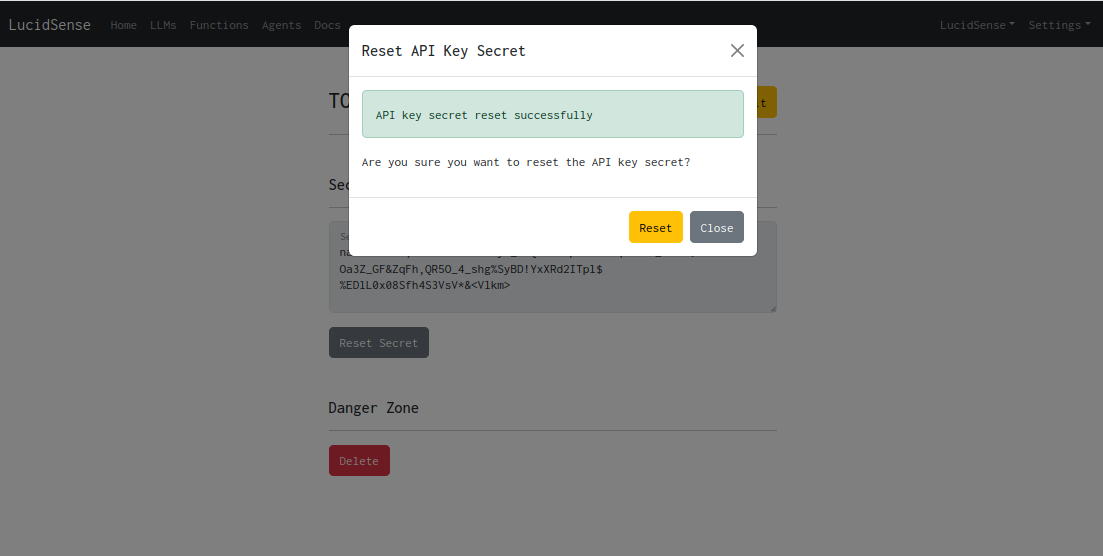
- Click on “Reset Secret” button to reset the API key secret.
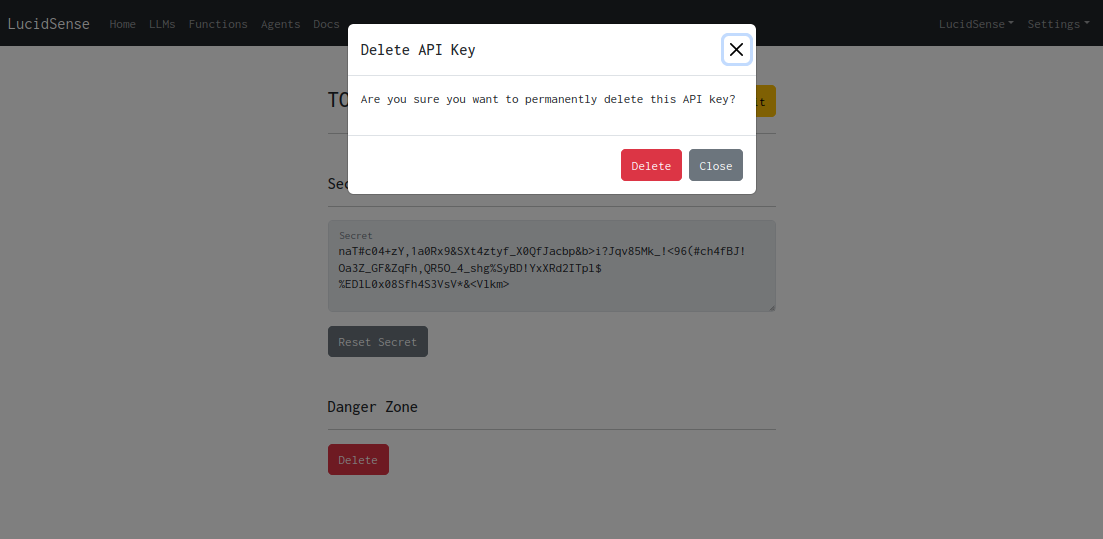
- Click on “Delete” button to delete the API key.